🦠 Infostealer Malware Stole 14 Million Credentials in 2026: How to Check and Protect Yourself
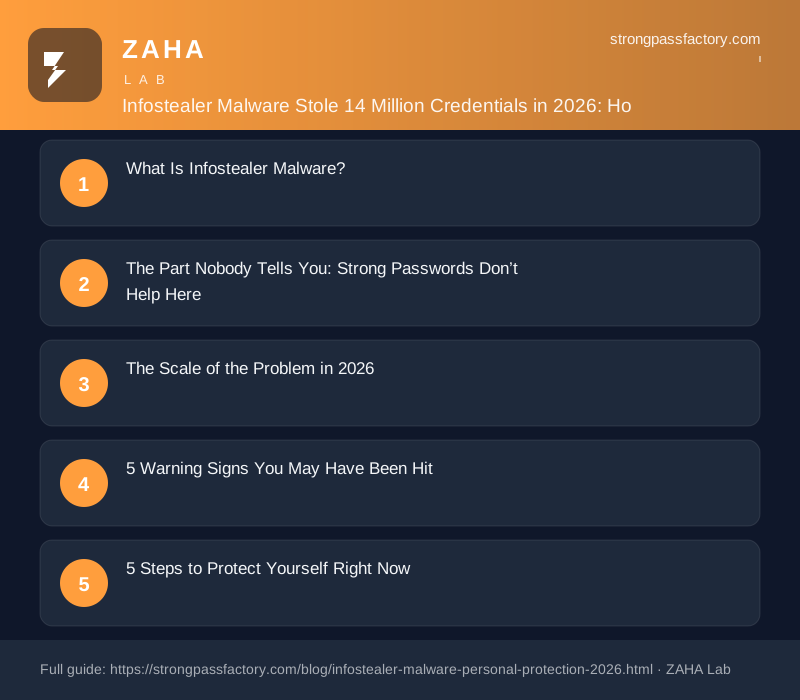
On this page
Cybercrime intelligence firm SpyCloud logged over 14 million consumer devices infected by infostealer malware in 2026 — a record. The uncomfortable detail: the average infection extracts every saved browser password, active session cookie, and stored credit card number in under two seconds, long before your antivirus has a chance to react. It does not matter how strong your password is if a piece of malware has already copied it out of Chrome’s local credential store.
What Is Infostealer Malware?
Infostealer is a catch-all term for malware whose primary job is quiet data extraction rather than visible disruption. It does not encrypt your files for ransom, it does not slow your computer, and it rarely triggers antivirus alerts because it uses legitimate Windows or macOS APIs to access exactly the same data your browser accesses when it autofills a form.
Definition: An infostealer is a type of malware designed to silently harvest credentials, session tokens, browser history, autofill data, and cryptocurrency wallet files from an infected device. It typically exfiltrates this data within minutes of infection, encrypts it for transit, and delivers it to a command-and-control server or dark-web marketplace — all without visible symptoms on the infected machine.
The most active families in 2026 include Lumma Stealer, RedLine, Raccoon Stealer v3, and Vidar. Each is sold as a subscription service (“malware-as-a-service”) on Telegram channels for as little as $150 per month, giving any criminal access to enterprise-grade credential theft without writing a line of code.
The Part Nobody Tells You: Strong Passwords Don’t Help Here
Every standard piece of security advice — use a 20-character random password, enable 2FA, don’t reuse passwords — assumes the attacker is attacking the password at the network or server layer. Infostealers bypass that layer entirely.
Here is what Chrome does when you save a password: it encrypts the credential using the Windows Data Protection API (DPAPI) and stores it in a local SQLite database at %LocalAppData%\Google\Chrome\User Data\Default\Login Data. DPAPI encrypts data using a key derived from your Windows login session. When you are logged in, DPAPI will decrypt it for any process running under your user account — including malware. The stealer asks Windows, “please decrypt this,” and Windows complies. The strength of your password is irrelevant; the malware never sees a hash.
Session cookies have the same problem. When you click “Remember this device,” the website stores a session token in your browser. An infostealer copies that token and sends it to an attacker who can replay it from anywhere in the world — without knowing your password or passing your 2FA check, because the session is already authenticated.
The Scale of the Problem in 2026
The numbers have shifted from alarming to structural:
| Metric | 2026 Figure | Source |
|---|---|---|
| Consumer devices infected by infostealers | 14.2 million | SpyCloud 2026 Annual Report |
| Credentials harvested per infection (avg) | 312 login pairs | Group-IB Threat Intelligence |
| Time from infection to exfiltration | < 2 seconds | CISA Advisory AA26-087A |
| Infostealer logs sold on dark-web markets | 580 million+ | Recorded Future Q3 2026 |
| YoY growth in consumer infostealer incidents | +187% | Secureworks State of Cyber 2026 |
The 580 million stealer logs represent credentials that have been packaged and sold, often many times over. A single log — one device’s data export — typically contains banking logins, email access, streaming accounts, e-commerce saved cards, and workplace VPN credentials all in a single file.
“Infostealers have become the primary initial access vector for corporate breaches,” noted a 2026 CISA advisory. “The personal device of an employee working from home is now the most reliable entry point into an enterprise network.”
5 Warning Signs You May Have Been Hit
Infostealers are designed to be invisible, but these signals suggest something happened:
- Unexpected login alerts from services you use regularly — especially from locations or devices you don’t recognise
- Accounts locked without your action — a site detected a suspicious login and froze the account
- Unauthorised purchases or small test transactions on saved payment methods
- Friend reports that your email or social accounts sent them unusual messages
- Your email appearing in Have I Been Pwned with a breach tagged as “stealer log” rather than a named company breach
The absence of these signs does not mean you’re clean. Most infostealer victims never notice the infection. The data is sold and resold for months before it’s used for fraud.
5 Steps to Protect Yourself Right Now
Step 1: Move Passwords Out of Your Browser Immediately
Browser password storage is the primary target because it’s the most predictable location. Moving to a dedicated password manager breaks the attack chain. A zero-knowledge manager like NordPass stores your credentials encrypted with a key that never leaves your device in plaintext and is never known to the provider — so even if NordPass servers were compromised, your passwords would remain encrypted. Equally important: NordPass stores credentials in its own encrypted database rather than the OS credential store that DPAPI-abusing malware targets.
To migrate: export your Chrome passwords to a CSV, import into NordPass, then delete the Chrome password database and disable Chrome’s password saving. The export/import takes under five minutes.
Step 2: Run a Breach Scan and Rotate Exposed Credentials
NordPass includes a Data Breach Scanner that checks your email addresses and saved credentials against known stealer log databases — not just public breaches, but the dark-web marketplaces where infostealer logs are traded. Run the scan, then use NordPass’s password generator to replace every flagged credential with a unique 20-character random password. Do not reuse any password that appears in the report.
Step 3: Revoke All Active Sessions on High-Risk Accounts
Log in to your email provider, banking apps, and any work-related SaaS tools and navigate to security settings to revoke all sessions except your current one. Google calls this “sign out of all other devices,” Facebook calls it “where you’re logged in.” This invalidates any session tokens an infostealer may have already stolen. Do this immediately after the initial breach scan.
Step 4: Upgrade Your 2FA to a Phishing-Resistant Method
SMS 2FA is vulnerable to SIM swap attacks; TOTP apps (Google Authenticator, Authy) are vulnerable to real-time phishing proxies but are significantly better than SMS. The gold standard against infostealers is a hardware security key (FIDO2/WebAuthn) because the token is device-bound and cannot be copied by software. For accounts that support it, enable a hardware key or switch to passkeys, which are also device-bound and resist the session replay attacks infostealers enable.
Step 5: Audit Your Device and Network
Run a full scan with Malwarebytes (free) or Microsoft Defender Offline (built into Windows) in offline mode to catch active infections. Check browser extensions: infostealers often arrive as malicious Chrome extensions masquerading as productivity tools. Remove any extension you did not deliberately install or do not recognise. On macOS, check Login Items in System Settings for unfamiliar startup entries. If you suspect an active infection, the safest path is a clean OS reinstall before rotating credentials — rotating while infected hands the new credentials to the same attacker.
Move Your Passwords Out of Chrome Today
NordPass encrypts your vault with XChaCha20 — even if your device is infected, the credentials stored in NordPass cannot be read the same way browser-saved passwords can. Includes dark-web breach scanning for all your saved accounts.
Try NordPass Free →Disclosure: This post contains affiliate links. If you purchase a NordPass subscription through our links, we may earn a commission at no extra cost to you. We only recommend tools we would use ourselves. See our full affiliate disclosure.
FAQs
What exactly does infostealer malware steal?
The typical infostealer harvest includes: all saved browser passwords (Chrome, Edge, Firefox, Brave), active session cookies for every logged-in website, browser autofill data (names, addresses, card numbers), cryptocurrency wallet files and seed phrases, saved Wi-Fi credentials, FTP and SSH credentials stored in apps like FileZilla, and in some cases screenshots of the desktop at infection time. The data is packaged into a “stealer log” and either sold on dark-web markets or used directly by the attacker.
How do infostealers get onto devices in the first place?
The most common delivery methods in 2026 are: malicious Chrome extensions distributed via fake productivity app listings, cracked software and game mods downloaded from torrent sites, phishing emails with macro-enabled documents or LNK files, fake software installers served through SEO-poisoned search results (a user searches for “download VLC player” and lands on a clone site), and malicious Python packages for developers who install code from untrusted repositories. The common thread is running something that appeared legitimate.
Does a password manager actually stop infostealers?
A dedicated password manager does not prevent an infostealer from infecting your device, but it changes the attack surface significantly. Browser-saved passwords live in a predictable, well-documented location that every infostealer targets by default. A manager like NordPass stores its encrypted vault in a non-standard location with encryption that requires the master password to unlock — a password that is never stored on disk and is not accessible via DPAPI. Some stealers do attempt to target password manager databases, but the encrypted vault is useless without the master password. The risk is not zero, but it is substantially lower than browser storage.
If my credentials were already stolen, is it too late to change them?
No — changing your passwords immediately limits the window of exploitation. Attackers typically sort stolen logs by account type (banking, email, social) and work through them in priority order. The sooner you rotate credentials, the higher the chance that a specific account has not yet been accessed. Revoking active sessions (Step 3) is also critical: even after you change a password, a session token stolen before the change remains valid until explicitly revoked. Do both within the same session if possible.